GSeptember 22, 2026 · 6 min read · from the Learn & Shield Zone

Most homes have one computer that everybody uses. It does the homework, pays the electric bill, streams cartoons and stores ten years of photos. That makes it the most valuable device in the house, and often the least protected.
You don't need to be technical to fix that. Here are the five steps we recommend to every customer who calls our Phoenix desk with a laptop question.
1. Give everyone their own account
Create a separate user account for each person, and make only the parents administrators. Kids can still do everything they need, but they can't install software without asking first.
2. Turn on automatic updates
Most attacks use holes that were fixed months ago. Switch on automatic updates for the operating system and the web browser, then restart the computer once a week so they actually install.
3. Add real antivirus protection
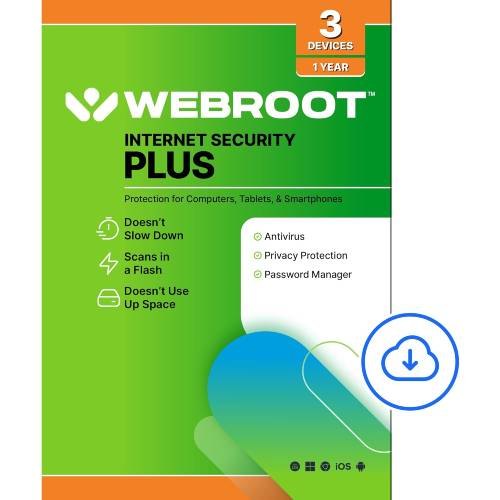
Built-in protection is a start. A full suite like Norton 360 Premium adds a password manager, cloud backup and coverage for phones too. If you want something lighter, ESET NOD32 and Webroot Internet Security Plus run quietly in the background on older machines.
4. Teach the two-second pause
Most scams arrive as an urgent message: a package problem, a locked account, a prize. Teach everyone to pause for two seconds and ask, "Was I expecting this?" before clicking any link.
5. Back up the photos
Keep one copy of family photos and documents on an external drive or a cloud service. If something goes wrong, you lose an afternoon instead of a decade.
Half an hour on a Sunday is enough to do all five. Then the shared laptop goes back to what it's for: homework, and a lot of cartoons.